


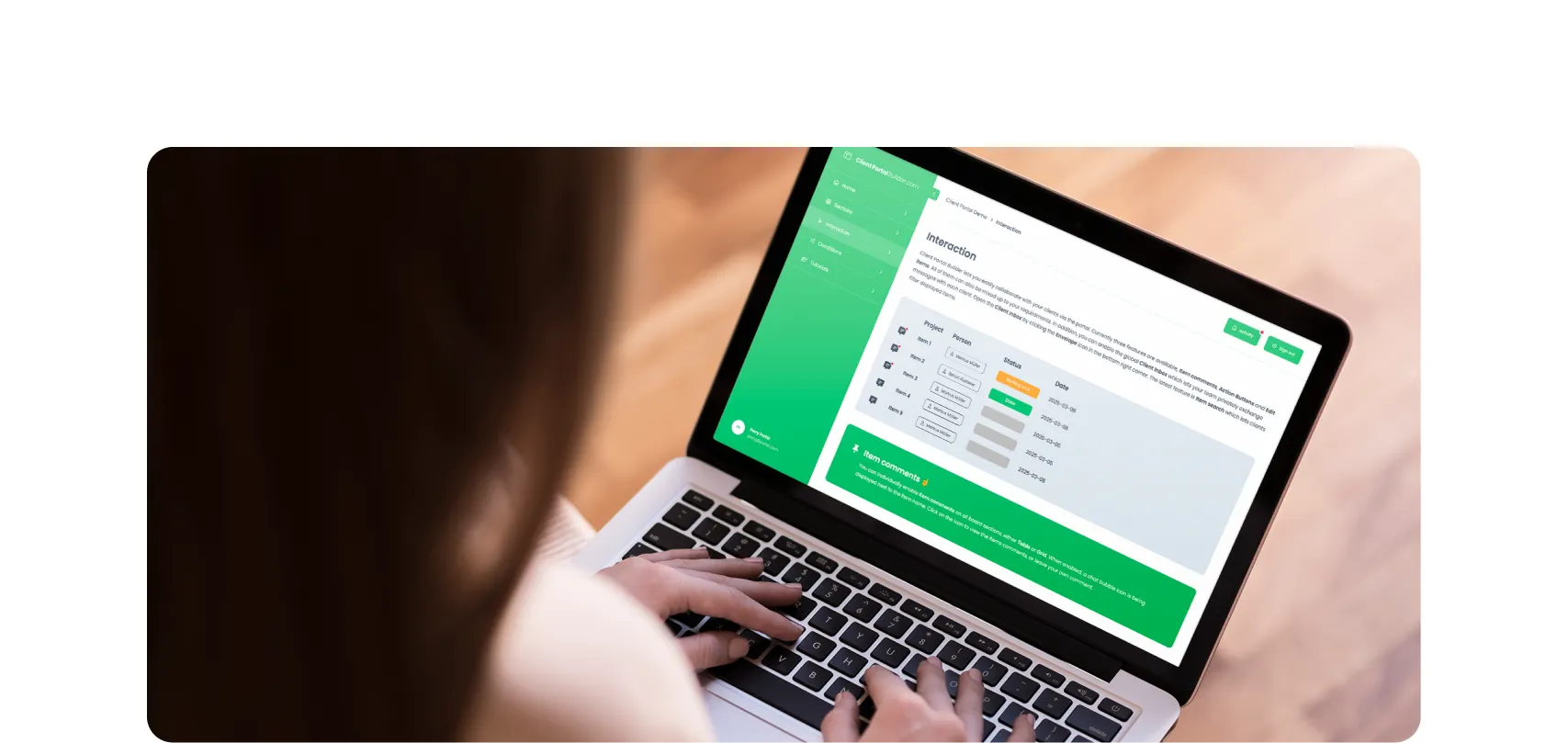

Build custom, structured Excel reports from monday.com board data and send them automatically to the right people on schedule.



What’s new on monday.com? Feature update in January 2026
Here’s what’s new on monday.com in January 2026. This month’s updates introduce faster navigation with Recents, easier content creation from Sidekick, and new enterprise board roles.

Table of contents
Use the navigation to quickly jump to your desired section and learn more about each new feature on monday.com
Recents introduced
Jump back to what you were working on
Finding your way back to recent work just got easier. A new Recents tab in the left pane now shows the last seven boards, docs, or dashboards you visited across all monday.com products. Instead of digging through folders or workspaces, you can quickly resume where you left off. This is especially useful if you move between multiple teams or products throughout the day.
WorkDoc × Sidekick
Create a WorkDoc directly from Sidekick
If you use monday Sidekick to brainstorm or draft content, you can now turn that output into a WorkDoc instantly. Whenever Sidekick renders content in a text box, you’ll see an option to create a WorkDoc with a single click. This makes it easier to move from ideation to documentation without copying and pasting, keeping AI-generated content connected to your actual workflows.
Enterprise board rules
Clearer permissions and less risk
Enterprise accounts now have access to board-level roles, giving teams more precise control over who can do what on a board. Available roles include:
- Editor
- Contributor
- Assigned contributor
- Viewer
This allows project managers to control board structure, task owners to update work, and requesters or stakeholders to track progress without accidentally changing data they shouldn’t.
Vibe accessibility
Open Vibe apps from a dedicated URL
monday Vibe apps can now be opened full screen from their own URL. Anyone with access to the account and the underlying boards can launch the app directly. This makes Vibe apps feel more like standalone products rather than just another board view, and it simplifies sharing, bookmarking, and presenting Vibe-based experiences.

Practical tips
How to use these monday.com updates
Here are a few suggestions to make the most of these new tools in your monday.com workspace:
- Use Recents as your default starting point
If you frequently switch contexts, rely on the Recents tab to pick up work instantly without navigating through folders. - Turn Sidekick ideas into living documents
When brainstorming with Sidekick, convert useful output into a WorkDoc so it can evolve alongside your project. - Define board roles early in projects
Assign roles as soon as a board is created to prevent permission issues and accidental edits later. - Share Vibe apps more easily
Use the dedicated URL to share dashboards or interactive views with stakeholders who don’t need full board access.
January 2026 kicks off the year with updates that reduce friction and increase clarity. Recents navigation speeds up daily work, Sidekick-to-WorkDoc creation tightens the loop between AI and collaboration, board roles give enterprises better control, and standalone Vibe URLs expand how apps are shared and used. Together, these features make monday.com feel faster, more intentional, and easier to scale.

Gorilla Apps
Streamline and automate your daily workflows on monday.com with our powerful app solutions
Discover our powerful apps for monday.com on the official marketplace. Clean up and convert exported Excel files from monday.com with Exported Excel Cleaner, publish monday.com boards as website widgets with Board to Website Widget and share or embed them into your website, automatically export and email tailored reports from monday.com boards as Excel spreadsheets with Spreadsheet Gorilla, or create monday.com client portals from your workspace with Client Portal Builder.
Interested in a product demo?
Let's learn about your requirements, answer questions, and
review ways how we can help you and your organization with
our monday.com apps and solutions.
