
Build custom, structured Excel reports from monday.com board data and send them automatically to the right people on schedule.


Client Portal Solution
Create a client portal for
your agency or studio
on monday.com
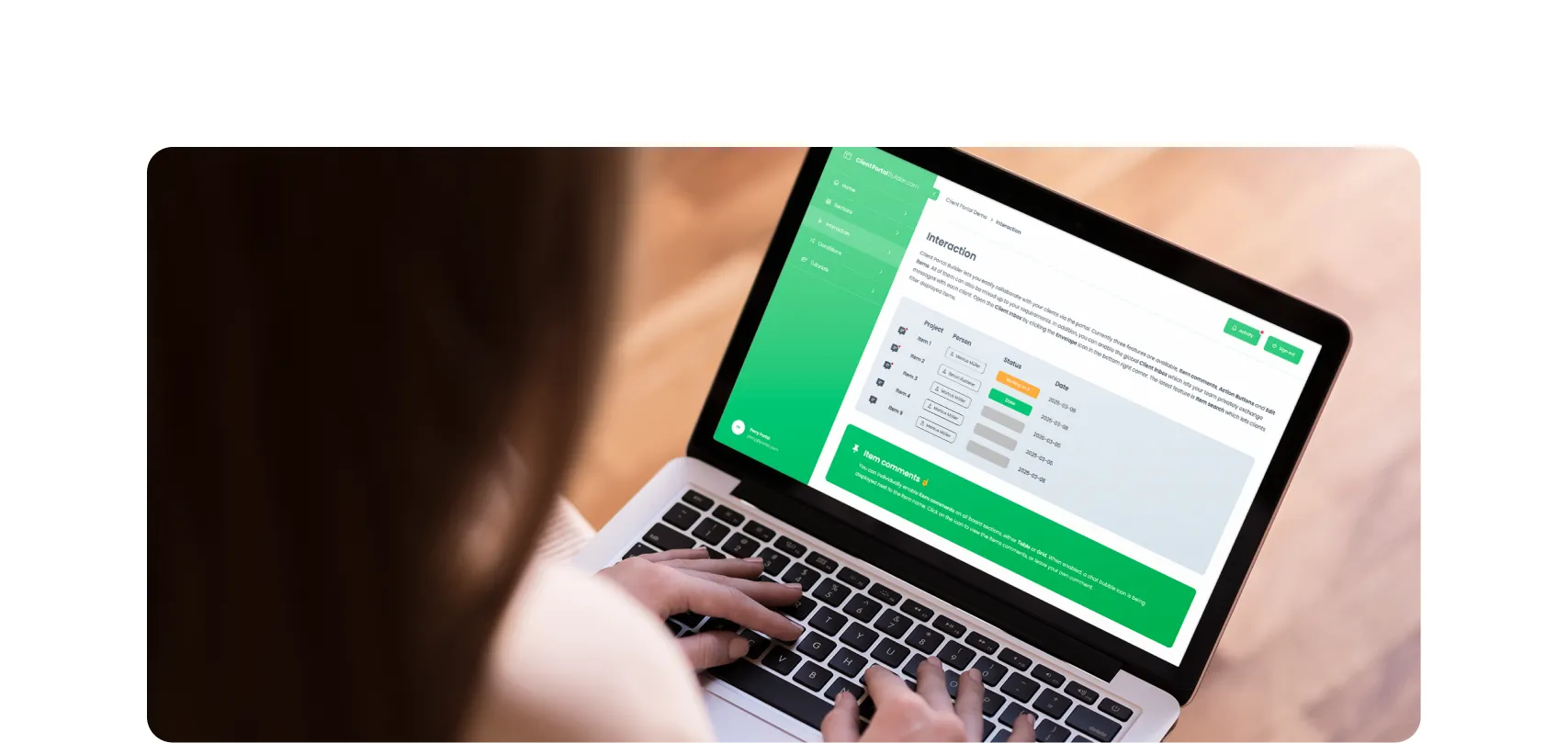
Turn your monday.com workspace into a client portal where clients can
follow project progress, review deliverables, share feedback and
access files without exposing your internal boards.
Not running an agency on monday.com?
Find more client portal solutions for your workflow.
Why agencies need a client portal for monday.com
Many agencies already manage their internal work on monday.com. However, client communication still happens outside the platform through email, file sharing tools, or messaging apps. This often creates several problems, that cause friction and delays.
- Project updates are spread across monday.com and email
- Clients repeatedly ask for project or campaign status
- Feedback and approvals get lost in message threads
- Deliverables and file versions are scattered across tools
How agencies use a client portal with monday.com
Agencies use Client Portal Builder for monday.com to create a more organized, branded and transparent client experience, from client onboarding through ongoing project delivery. Instead of sending constant updates, clients can log in to the portal and see the latest information directly from the monday.com workspace.
- Share project or campaign progress and upcoming milestones
- Present deliverables for review, feedback and approval
- Provide access to reports, files and final assets
- Keep clients informed without exposing internal boards
Share client facing work without exposing your monday.com workspace
Choose what clients can access while your agency keeps internal work private. For example:
Clients can access
- Project and campaign progress
- Deliverables and approvals
- Reports and shared files
- Upcoming milestones
Stays in monday.com
- Internal tasks and planning
- Team notes and discussions
- Resource and workload planning
- Other clients and internal boards

See a complete agency client portal built from monday.com boards
Follow the Nexus Studio example from workspace setup to published portal. Watch the complete build, learn how projects, approvals, team members, and contracts are connected, and explore the finished agency portal.
Features
Client Portal features
built for agencies
Give clients one place to access updates, files, and deliverables
without exposing your internal monday.com workspace.
Keep conversations, updates, and files in one place so client communication stays organized and easy to follow.
Share assets, documents, and deliverables through a single client portal instead of multiple file sharing tools.
Let clients see project progress, timelines, and milestones directly in the portal without asking for updates.
Give each client access only to their own projects while keeping internal boards and workflows private.
Collect feedback and approvals on deliverables so comments and decisions stay connected to the right project.
Create a client portal that reflects your agency brand and presents projects in a clear, professional experience.
Yes. With Client Portal Builder for monday.com you can create a secure, branded client portal connected to your workspace.
Do clients need a monday.com account?
No. Clients can access the client portal without entering your internal monday.com workspace.
What can agencies share in a client portal?
Agencies can share project updates, reports, files, deliverables, feedback requests and other supported monday.com data through the client portal.
Can clients review and approve agency deliverables in the portal?
Yes. Agencies can share deliverables with clients, collect feedback and connect approval actions to their monday.com workflows.
Get started
Build a Client Portal for your agency on monday.com
Share updates, files and project information with clients while keeping your internal workflows organized in monday.com. Build a secure, branded portal for your agency today.
