


Build custom, structured Excel reports from monday.com board data and send them automatically to the right people on schedule.


Reworked setup flow for connecting boards in monday.com Client Portals
Connecting monday.com boards to your client portal is one of the most critical steps in building a useful, dynamic workspace. We made this process clearer, more flexible, and easier to manage.

Table of contents
Use the navigation below to quickly jump to your desired section and learn more about each topic.
Board setup flow
A smarter way to connect your boards with Client Portal Builder for monday.com
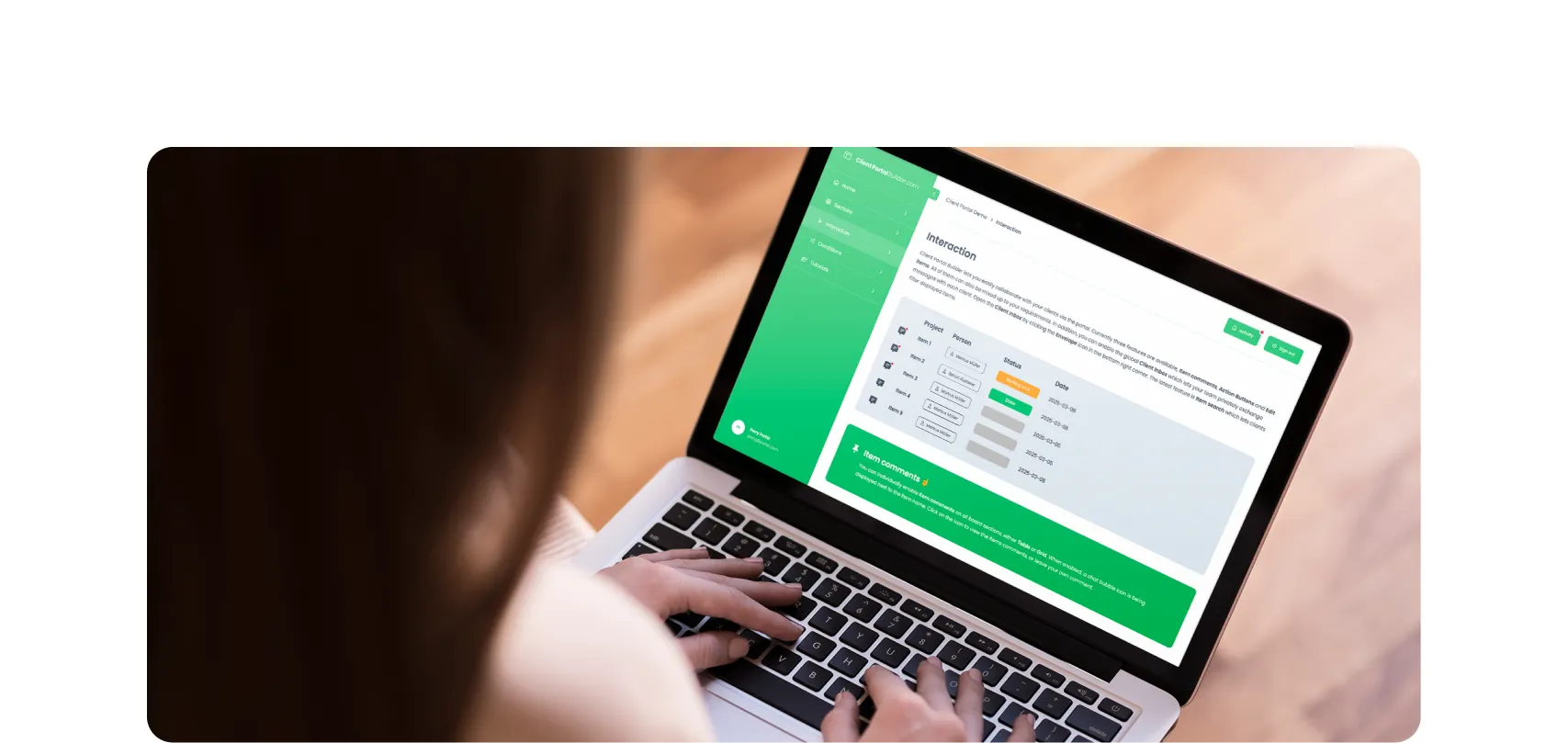
Board sources power the live data your clients see inside the monday.com client portal. Whether you are displaying full boards, selected items from a board, or structured subitems, the setup process now better reflects how teams actually use monday.com and you’ll walk through board selection and configuration with clearer options based on your board layout and goals.

The new creation flow guides you through selecting and configuring your board in a more intuitive way. Instead of the prior setup flow, it adapts to your board setup and helps ensure the data displayed in your portal matches your intent. This reduces configuration errors and makes it easier to maintain consistency across your client portal.
Documentation
For a deeper walkthrough, you can explore the detailed How to embed monday.com boards guide in the documentation and learn which option fits your board setup best.
Other improvements
More improvements in this update
This update also delivered several usability improvements across the Builder. Page ordering is now handled via drag and drop, custom icons appear directly in the navigation, and inserting content placeholders is more seamless. Board sections now support quicker column visibility controls, and navigation behavior on smaller screens has been refined. Together, these updates make building and maintaining portals faster and more intuitive.
Read the full release notes from January 19, 2026 including the latest features, improvements and bug fixes on the latest Client Portal Builder for monday.com update.
Interested in a product demo?
Let's learn about your requirements, answer questions, and
review ways how we can help you and your organization with
our monday.com apps and solutions.
