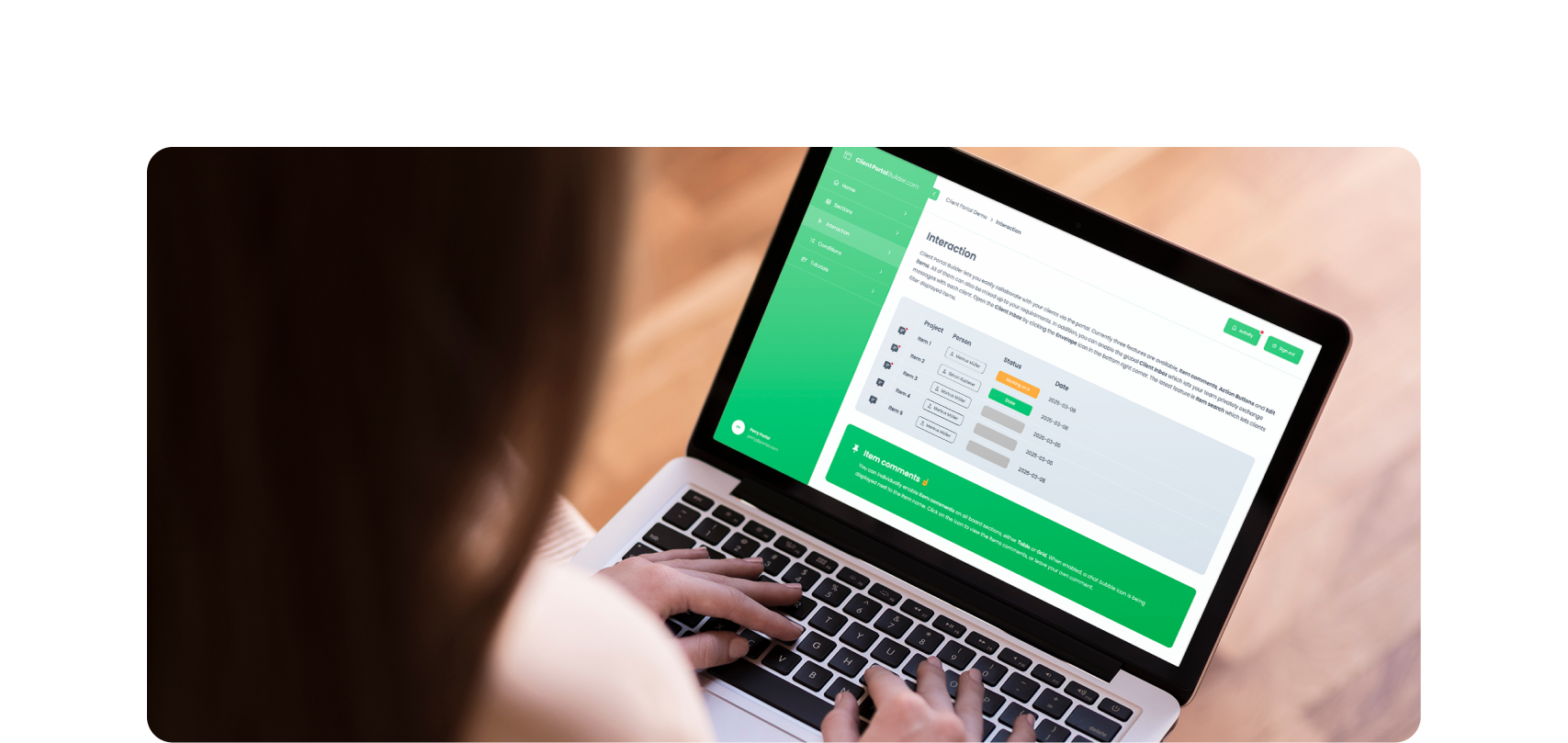
Build custom, structured Excel reports from monday.com board data and send them automatically to the right people on schedule.




Events and schedules
Publish events and schedules from
monday.com on your website
Turn board items into event listings, calendars, programs or schedules that website visitors can
search and browse. Keep the source information in monday.com and publish selected
data to your website without maintaining the same events separately in your CMS.
Also publishing other board data? Explore
Public directories and Listings and catalogs.
Manage event data in one board
Keep event names, dates, locations, categories, descriptions, images and links in the board you already maintain.
Make public events searchable
Let visitors search published events by name, category, location, date or other information shown in the widget.
Control what appears publicly
Publish only the events and fields website visitors should see while keeping internal planning information private.
Public events example
Turn board items into a website-friendly event listing
Events and schedules often start as structured information your team already manages
internally. Board to Website Widget lets you select the relevant items and columns
and present them in a format website visitors can easily browse.
The same publishing approach can be used for community calendars, conference
schedules, classes, programs and other changing event information.
Looking for other use cases? Explore feature requests, customer
reviews, store locators, real estate listings, and more.
How it works
Manage events in monday.com and
publish them to your website
1. Maintain event entries in your board
Use one item for each event, session, class or program and keep its public information up to date in your board.
2. Configure the public event view
Choose which items and columns to publish, apply filters and decide how events should appear to website visitors.
3. Publish and embed it on your website
Publish the widget, copy the embed code and add it to your website. Republish manually or with automations on changes.
Built for events
Make public events easy
to find and keep current
Choose which events and information are public, add search,
include images or connected data, and present everything
in a website-friendly layout.

Public sharing
More than a shared monday.com board view
Native shared views are useful when the goal is simply to let people outside your account view board information. Public event listings have a different job: visitors need to find and browse selected event information without understanding how the underlying board is structured.
Board to Website Widget for monday.com lets you choose what is published, enable search and present the result in a website-friendly layout while your team continues maintaining the source data in monday.com.
Event examples
One workflow, many types of listings
The same publishing workflow works wherever changing event or schedule data from a monday.com board needs to be searchable or browsable on your website.
Community event calendars
Publish upcoming community events with dates, locations, categories, descriptions and relevant registration or information links.
Conference and session schedules
Publish conferences, sessions or presentations with times, speakers, locations and other information attendees need.
Classes and training schedules
Publish classes, workshops or training sessions with dates, instructors, locations and registration information.
Programs and activity schedules
Publish programs, activities or recurring sessions with dates, times, locations and other useful public details.
Frequently asked questions
What to know before publishing events and schedules
Learn how event data is published from your boards, what visitors can search and see, and how updates, images, links and website embedding work.
-
Yes. Board to Website Widget can publish selected board items and columns as an embedded website widget, allowing the board to act as the source for public events or schedules.
-
Can website visitors search published events?
Yes. Search can be enabled so visitors can find relevant events using the information displayed in the widget.
-
Can I control which events and fields are public?
Yes. You can apply board filters and select which items and columns are included in the published widget.
-
Can event listings include images, files and links?
Yes. Board to Website Widget supports content including images, files and links from supported board columns, making it possible to create richer public event listings.
-
Do website events update when my board changes?
The website widget updates when it is published again. You can republish manually or use automations to refresh the widget as your event data changes.
-
Which websites can I embed event listings into?
Board to Website Widget can be embedded into websites where you can add the provided embed code, including common website builders such as WordPress, Webflow, Wix and Squarespace.
Get started
Publish your events from monday.com on your website
Manage event information with your team in monday.com and turn selected board data into searchable website content with Board to Website Widget for monday.com.