



Build custom, structured Excel reports from monday.com board data and send them automatically to the right people on schedule.





Subitems
Include monday.com subitems in Excel exports
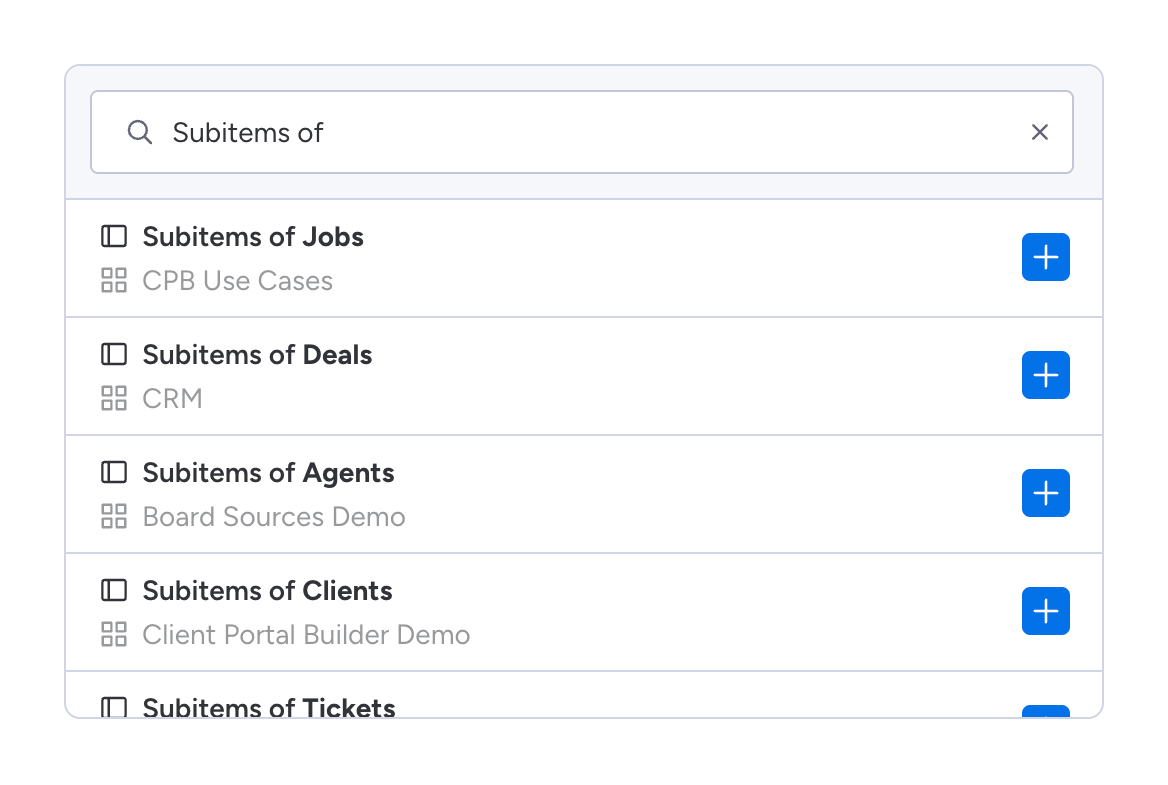
Add subitems to templates as separate board data and include them in your Excel exports from monday.com, either within an existing worksheet or a dedicated worksheet. Subitems in Spreadsheet Gorilla are treated like if they were a separate board. To append subitems to a spreadsheet template and include them in your monday.com board based Excel exports, you first click the Append board or Add board button. Then you search for Subitems of and choose the associated search result.
Did you know?
For example, the board for which you want to add its subitems is named Monthly Projects. The search result will be named Subitems of Monthly Projects in this case.