



Build custom, structured Excel reports from monday.com board data and send them automatically to the right people on schedule.





Message manager
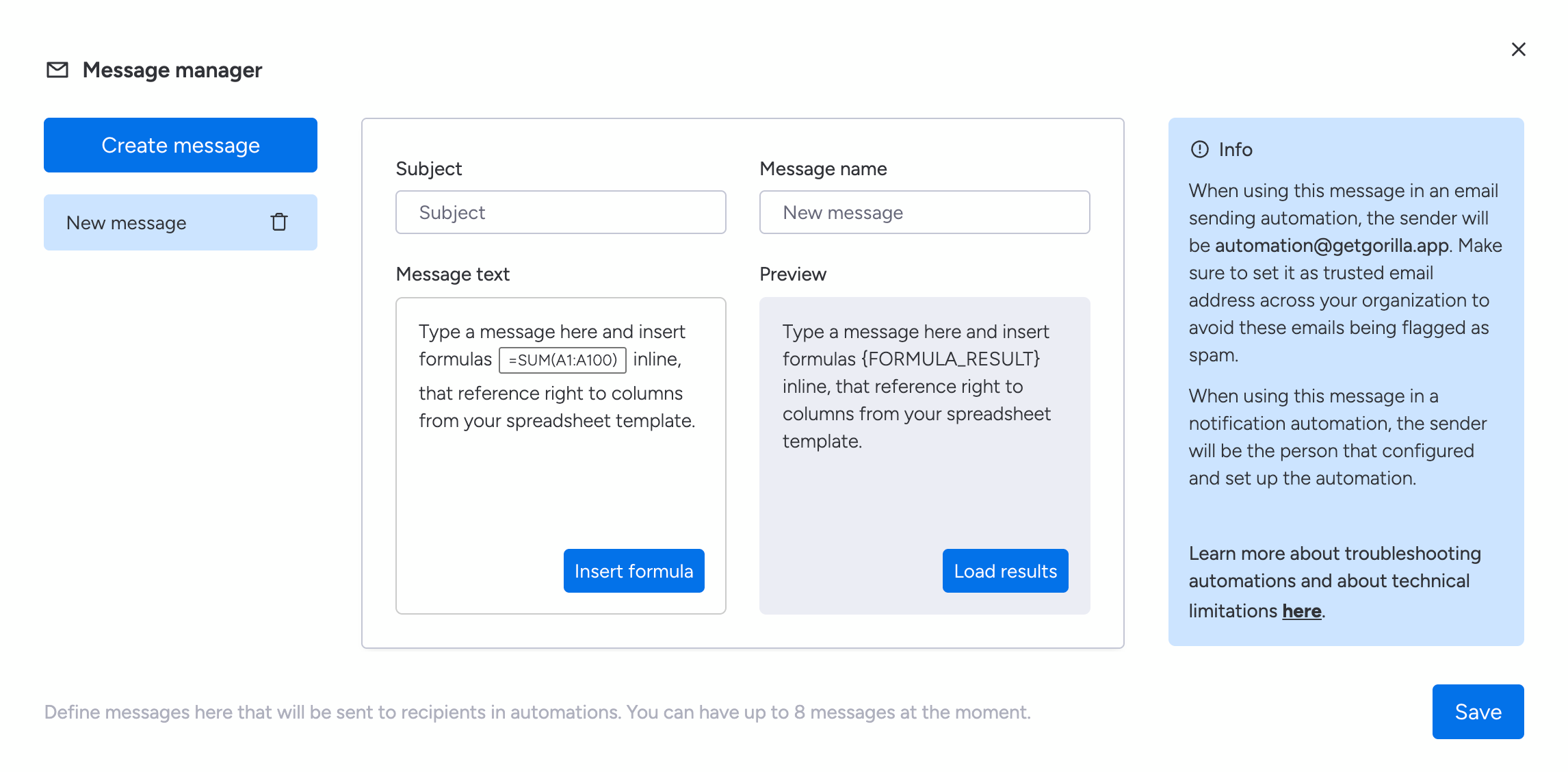
Create messages for automated Excel exports
Use the Message Manager to prepare subjects and message text for automated Excel exports from monday.com that are sent through Spreadsheet Gorilla automations. You can Create up to 8 messages per spreadsheet template. Each message consists of a subject, message text, and message name which is used for reference in the target automation.
How to access the message manager
- Click the
Message managerbutton above your configuration Createa new message and fill out all textfields on screen- Click the
Savebutton to save your automation message
Did you know?
The message text can contain advanced formulas, where the calculated value is being displayed right in the email or notification. This is handy to summarize specific key metrics.