Build custom, structured Excel reports from monday.com board data and send them automatically to the right people on schedule.





Worksheets
Organize monday.com boards across spreadsheet worksheets
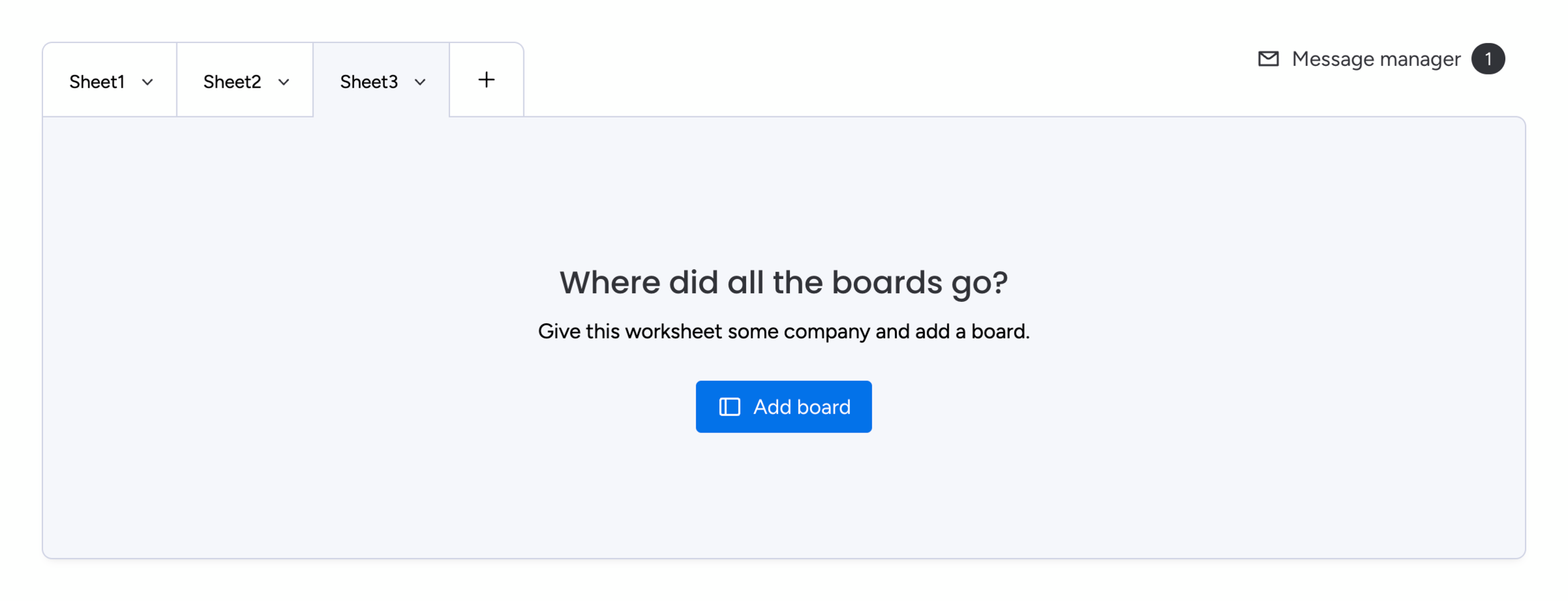
Use worksheets to organize one or more boards within your Excel exports from monday.com, combine differently structured data and separate parent items from subitems. You can + add up to 6 worksheets to a spreadsheet template. You want to use multiple worksheets to:
- Combine differently structured boards in one spreadsheet
- Add subitems of parent boards in a separate worksheet
- Calculate with advanced formulas across multiple boards
To add or append another board to a worksheet, click the + Add board or + Append board button. Then search for your designated board and click + to add it in your current worksheet. In case you want to add subitems of a specific board, simply search for Subitems of.