


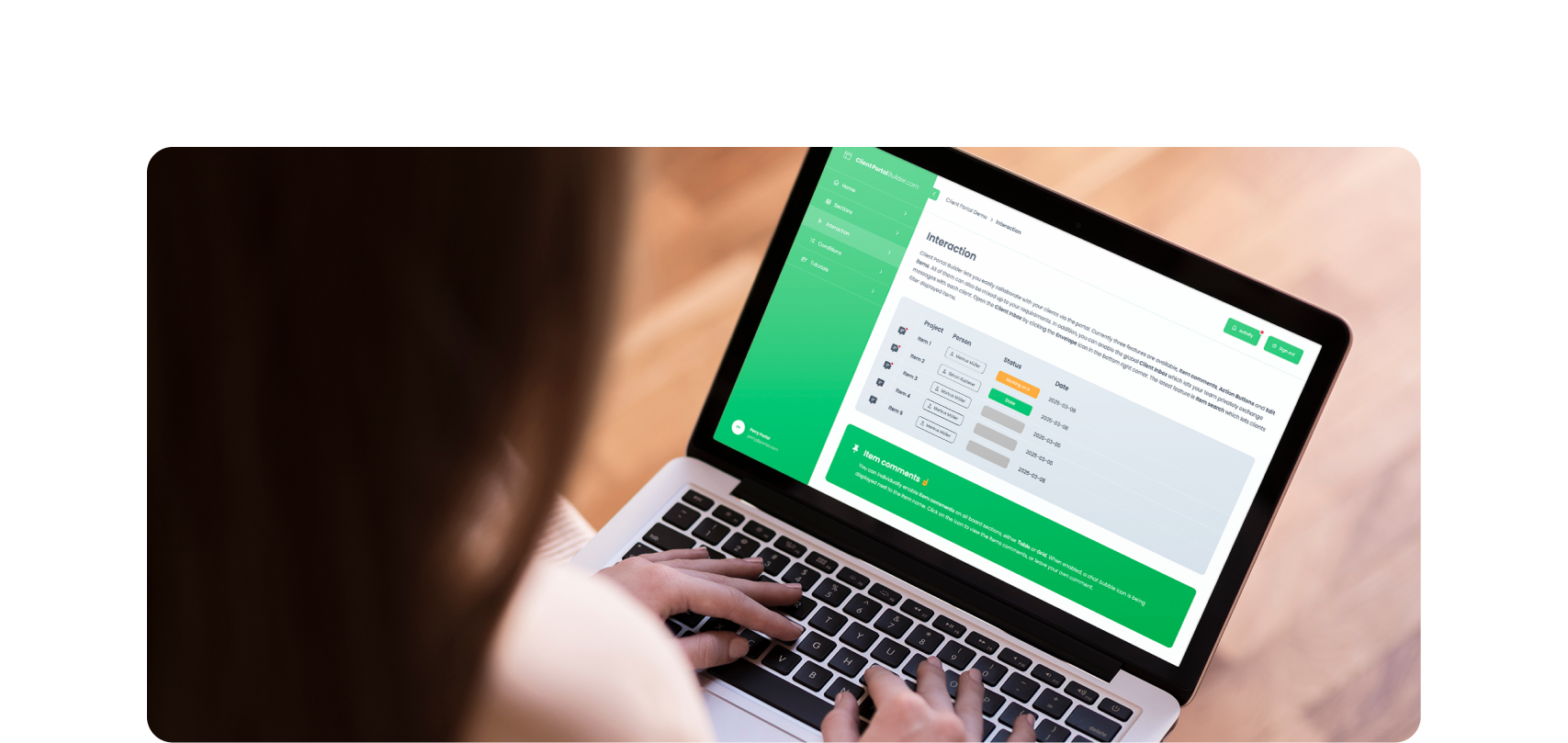
Build custom, structured Excel reports from monday.com board data and send them automatically to the right people on schedule.




Questions & Answers
Board to Website Widget FAQ
Find answers to frequently asked questions about Board to Website Widget for monday.com, including publishing, embedding, files, automations, updates and account access.
Supported image formats include jpg, jpeg, png, gif, svg and webp.
Which board data is exported when a widget is published?
All board items including files are transfered to a secure content delivery network.
Why doesn't the search find a word in the middle of a value?
A search term has to match the start of a word, so
NJfindsNewark, NJbut notenjoy. This keeps a short term from matching items that only happen to contain those letters somewhere. Everything that is not a letter or a number starts a new word, soupstill findsFollow-up call.Can I keep a column out of the widget search?
Yes. Open the column's settings with the
⚙button and turn onExclude from search. Its values are then never searched, while the column is still displayed as before. Columns you have hidden are never searched anyway.Can visitors filter the widget themselves?
Yes, with status and dropdown columns. Turn on
Show as filterin the column settings and the widget header gets a dropdown for that column. It only offers labels that still have items to show, and it works alongside the search box.Can a widget also be published through an automation?
Yes, the app has an automation that can be used to publish a widget. Depending on your plan, you have a certain number of automation executions included per month. Please be aware that the publish automation will abort the publish process if it takes longer than 4 minutes. This can happen if you have a lot of items and/or mirror columns in your board, which will slow down the publishing process. In those cases, you'll need to opt for manually publishing your widget.
How do I embed a widget on my website?
Once published, just copy the Embed code and paste it in your website backend at the appropriate place.
Do I have to update my share link or embed code everytime I publish a widget?
No, the share link and embed code are always preserved and don't change.
Are changes in my board reflected in published widgets?
No, at the moment you have to republish the widget manually with the updated board items. Or you can use automations to publish your widget automatically, the monthly limit is based on your plan tier.
What happens to my widgets when I uninstall the app?
All published widgets and their related data will be deleted within 5 days after the app was uninstalled.
Can monday.com guests and viewers use the app?
No, currently the app is limited to actual members of your monday.com account.
What happens when the trial or subscription ends?
When the trial or subscription ends, the app switches to a restricted mode where you can't access the configuration UI anymore and the publish automation will stop working. Every once in a while we run a cleanup task that deletes already published widgets of users that don't have a valid app license anymore.
Are formula columns supported by the app?
Formula columns are supported, but you have to turn on support in the advanced settings of the app. Be aware that formula support comes with certain limitations; for example, it's "only" possible to calculate up to 10,000 formula values per minute (which in most cases is enough, though).
How many automations are monthly available?
This depends on your plan. Small, Medium and Large have 500 automations available per month. Keep in mind, that all automations are shared across all widgets across your monday.com account.
How do the seat-based plans work?
The seat-based plans relate to the total seats in your monday account, independently from the actual amount of users that will be managing the app. This means from 0-10 total seats you align with the Small, with 11-50 seats with the Medium, and with 51 and more seats with the Large plan.
What is the pricing for the app?
Board to Website Widget has three seat-based plans: Small for 0-10 total seat accounts at $25/month or $20/month if you go for the annual subscription; Medium for 11-50 total seat accounts at $50/month or $40/month if you go for the annual subscription; Large for 51+ total seat accounts at $100/month or $80/month if you go for the annual subscription. Prices are in USD and all payments including invoicing are processed directly in between monday.com and your organization. Please reach out to the monday.com support team if you have further detailed questions about payments, invoices or e.g. taxes.