
Build custom, structured Excel reports from monday.com board data and send them automatically to the right people on schedule.


Discover our tutorials, guides and
new updates for monday.com
How to create a self-service client portal with monday.com

Give clients one secure and dedicated place to find information, submit requests and manage their part of the workflow while your team keeps working in monday.com.
How to use monday.com boards in a client portal

Turn existing monday.com boards into client friendly portal pages and sections while keeping projects, requests, documents and other workflows organized for your internal team.
How to automate client portal workflows in monday.com

Connect client portal access to your monday.com workflow so client accounts, invitations and next steps can happen automatically as clients move through your process.
How to create personalized views in a monday.com client portal

Configure, publish and maintain one client portal for all clients while showing each stakeholder or external user only the monday.com items, pages and information relevant to them.
How to manage client communication in a monday.com client portal

Keep client conversations connected to the right projects and monday.com items while giving clients one place for messages, feedback and files in a dedicated client portal.
The 6 best ways to build a client portal with monday.com

Compare six ways to build a client portal with monday.com and see how each approach handles client access, data separation, setup and ongoing maintenance.
How to manage client approvals in a monday.com client portal

Give clients a dedicated and focused place to review and approve work while feedback, approval statuses and next steps stay connected to your internal monday.com workflow.
How to let clients update monday.com items through a client portal

Let clients update selected and existing monday.com items directly from their client portal while your team keeps the underlying records and workflows in monday.com.
How to build a client portal with monday.com in less than 5 minutes

Learn how to build a simple file exchange client portal connected to monday.com, where clients can upload required documents, track inspection progress, and access completed reports.
How to collect client requests with forms in a monday.com client portal

Let clients or external stakeholders submit structured requests through forms in their monday.com client portal while your team manages every submission directly in your monday.com workspace.
How to build a client portal with monday.com for your agency

Learn how to build a branded agency client portal connected to monday.com, where clients can track projects, approve deliverables, contact their team, and access account information and contracts.
What changed in Client Portal Builder in the first half of 2026

The first half of 2026 brought 51 new features, 36 improvements, and 15 bug fixes to Client Portal Builder. Discover how these updates made building client portals with monday.com even better.
Let clients search and filter board items inside your Client Portal

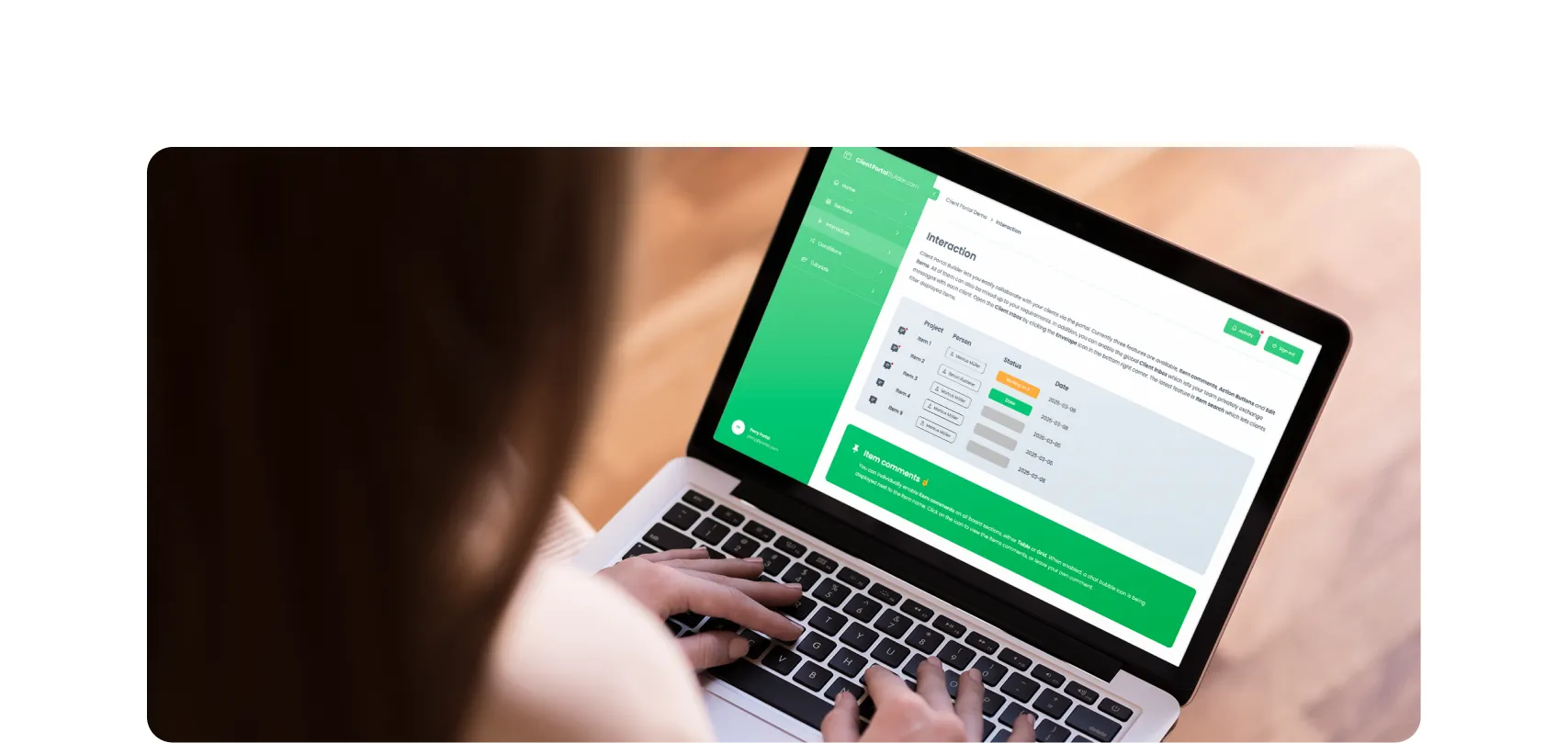
Clients can now search for items and selected column values directly inside your monday.com Client Portal, making large tables and grids easier to navigate and faster to use.
File preview directly inside your monday.com Client Portal

Clients no longer need to download files to review them. With the new file preview feature, images, videos, and PDFs can now be viewed directly inside monday.com Client Portals.
Client Inbox for global messaging in monday.com Client Portals

Item comments remain essential for contextual collaboration. The new Global Client Inbox adds a dedicated private messaging space between clients and monday.com teams.
Expanded support for item editing in monday.com Client Portals

Allowing clients to update information directly inside the portal makes collaboration faster and more efficient. This update expands item editing capabilities in monday.com Client Portals.
Reworked setup flow for connecting boards in monday.com Client Portals

Connecting monday.com boards to your client portal is one of the most critical steps in building a useful, dynamic workspace. We made this process clearer, more flexible, and easier to manage.
How to share your monday.com boards with external users and guests

Sharing monday.com boards with external users and guests is easy. In this post, we’ll cover the built-in options, their pros and cons, and why a monday.com client portal is often the best solution.
Set up and use Google Auth in Client Portal Builder for monday.com

Want to allow your clients to sign in to your client portal with Google Authentication? This guide covers everything you need to know about how to set up and use Google Auth with your client portal.
Create workflows to automate everything in your client portal

Want to automate everything in your monday.com client portal? This guide covers everything you need to know about how to create automation workflows with the Client Portal Builder.
Does monday.com have a Client Portal for external users?

Yes, monday.com has a Customer Portal for monday service. For broader external client access to projects, files, and board data, Client Portal Builder may be the better fit. Learn more about the options.
Let your clients edit specific board items right in their client portal

Want to let your clients easily edit specific board items in their client portal? This guide covers everything you need to know about how to enable and make item editing a breeze for your clients.
Client Portal Builder vs Softr for monday.com: Which fits your workflow?

Both Client Portal Builder and Softr can build client portals on top of monday.com. We compare how they differ in setup, flexibility, client access, communication, automations and pricing.
Chat and share files with clients on board items in your Client Portal

Want to easily chat and share files with clients in your monday.com client portal? This guide covers everything you need to know about how to configure and make use of item comments in your client portal.
Show content sections and pages conditionally in your client portal

Want to display portal content and pages conditionally and only to specific clients in your monday.com client portal? This guide covers everything you need to know about managing conditions.
Let your clients trigger monday.com automations from your client portal

Want to let your clients trigger predefined monday.com automations on board items in your client portal? This guide covers everything you need to know about managing action buttons.
Format text sections with Markdown in the Client Portal Builder

Want to format text in your client portal on monday.com to your needs? This guide covers everything you need to know about how to make use of the Markdown syntax to shape your text.
Embed monday.com WorkForms into the Client Portal Builder

Want to embed monday.com WorkForms in your client portal on monday.com? This guide covers everything you need to know about how to embed and display WorkForms in your client portal.
Connect a custom domain to your Client Portal on monday.com

Connect and use your own domain for a client portal built on monday.com and give clients a familiar address such as portal.company.com for a fully branded client experience.
Display monday.com board items in your Client Portal to your clients

Want to give access and display select monday.com board items to your clients in your client portal? This guide covers everything you need to know about how to create and manage board sources.
Getting started with the Client Portal Builder for monday.com

Want to build a Client Portal on top of your monday.com boards? This guide covers everything you need to know about how getting started building your Client Portal directly on monday.com
Interested in a product demo?
Let's learn about your requirements, answer questions, and
review ways how we can help you and your organization with
our monday.com apps and solutions.
