



Build custom, structured Excel reports from monday.com board data and send them automatically to the right people on schedule.





Board sources
Connect monday.com data with board sources
Board sources define how monday.com boards and items are connected to your monday.com client portal and which data each client is allowed to see.
Did you know?
The board source concept and its internal logic ensures that each client only sees the board items they should be able to see in the portal.
Board sources
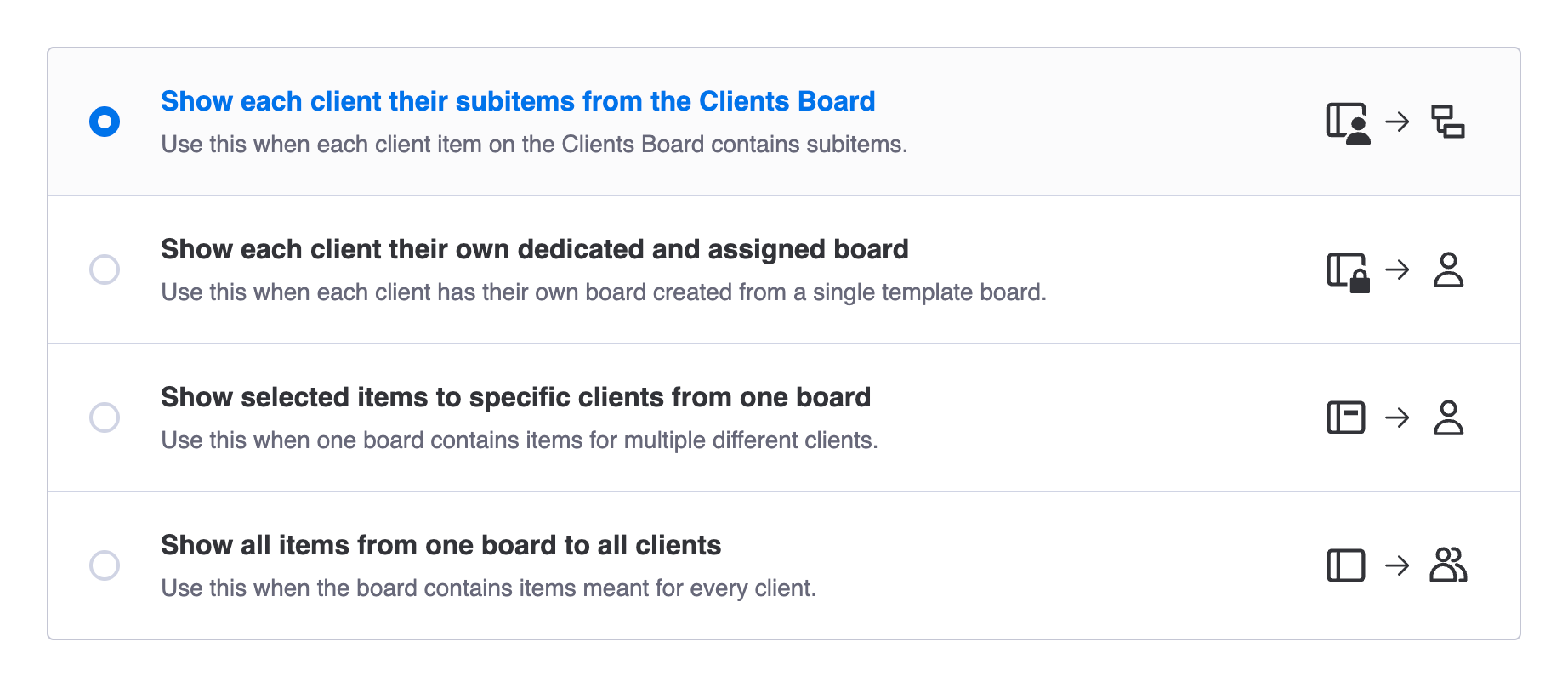
Supported board source types
Did you know?
Depending on how you have structured the monday.com board that's to be displayed in the portal, you want to choose a different source type. Learn which type to choose.
Edit configuration
How to edit a board source
- Navigate to the board section
- Click the
⚙ Linked to ...button - Edit the board source type related fields
- Save the changes

Did you know?
When using a Clients Board related board source, the button is disabled by design since such board sources are not editable. This applies to Subitems and Client Item sections.
Board source overview
How to access all created board sources
- Have any portal page open
- Click the
…button in the top right - Click
Board sourcesin the dialog - Find all board sources in use or not in use