



Build custom, structured Excel reports from monday.com board data and send them automatically to the right people on schedule.





Clients Board
Set up the Clients Board for your monday.com client portal
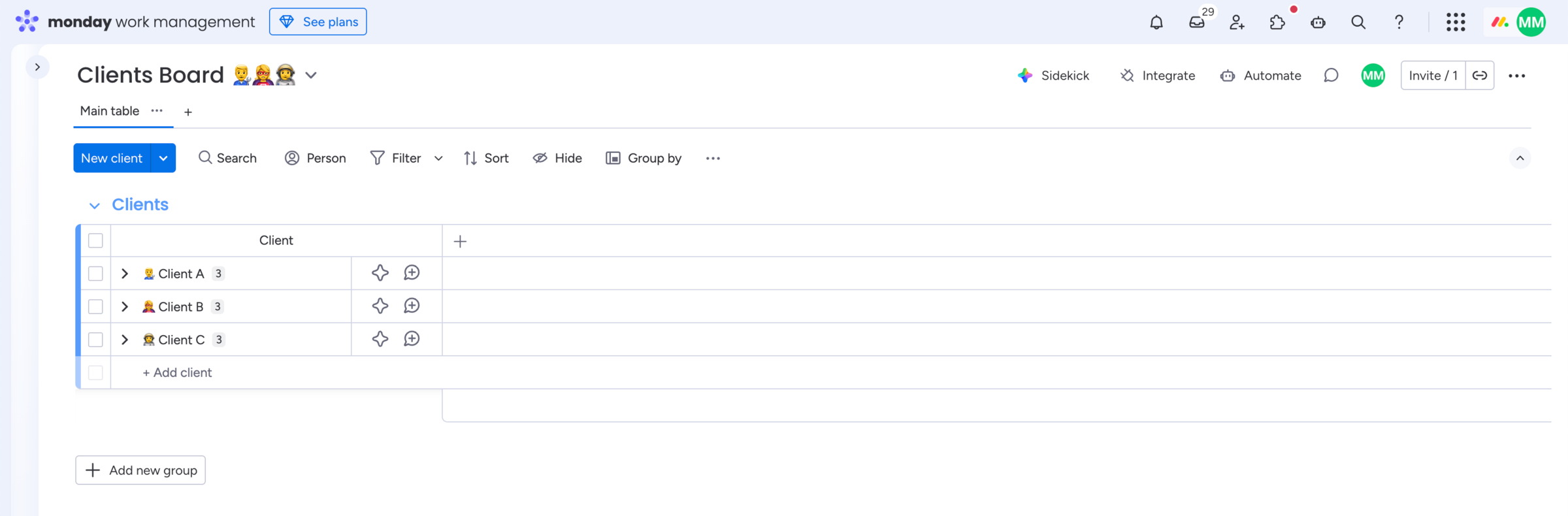
The Clients Board is a standard monday.com board and the foundation of your monday.com client portal. Each item represents one client and controls their access and related portal data. Want to see how these client relationships can shape the complete portal experience? Read our guide to personalized client views in monday.com.
Relation
How the app uses the Clients Board
The Client Portal Builder app uses the Clients Board to identify the client, connect internal boards to the correct client, and control visibility and permissions. All portal pages and data sources ultimately reference this board. Each client must have exactly one item on the Clients Board.
Structure
How to structure the Clients Board
The Clients Board needs at least one item and a value within the item name column. The item name commonly represents the client name. For advanced usage you can add a Status column which can be used within in the app to display specific content conditionally per client for example.
Did you know?
If the Clients Board is set up correctly, everything else in the client portal becomes predictable. If it is not, portal access and visibility will not work as expected.