



Build custom, structured Excel reports from monday.com board data and send them automatically to the right people on schedule.





Client Portal Builder
Client Portal Builder board view
The Client Portal Builder board view is where you monitor activity, build pages, customize the theme, manage settings and publish your monday.com client portal.
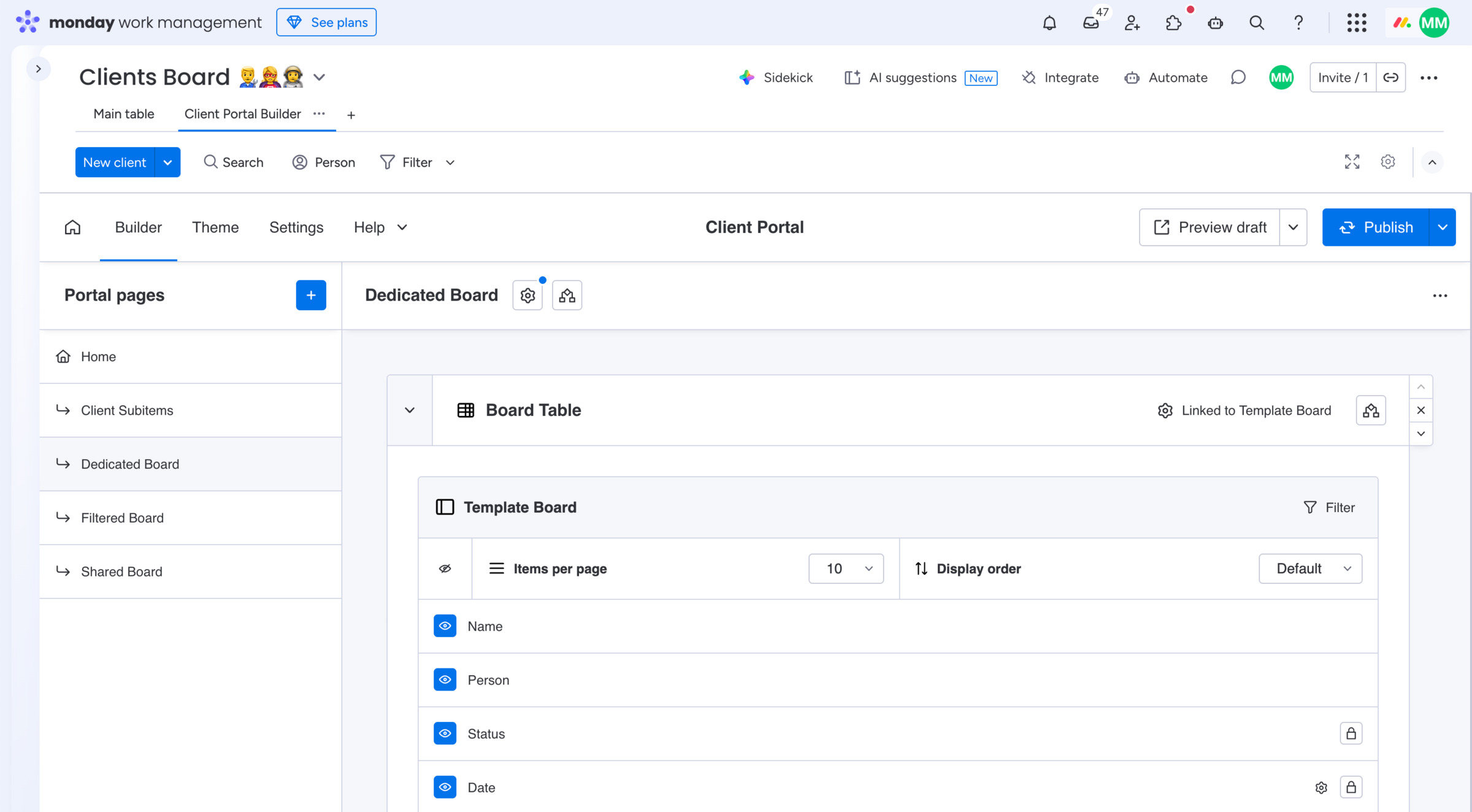
How to add the Client Portal Builder view:
- Click the
+button next to your Clients Board main table - Navigate to
Appsin the dialog - Search for Client Portal Builder
- Click
Client Portal Builderto add the view
How to use the Client Portal Builder view:
- Open your Clients Board in your workspace
- Click the
Client Portal Builderboard view - From the Dashboard navigate to Builder, Theme or Settings
Learn more about the Client Portal Builder features and how to use them within in this view.
Did you know?
The Client Portal Builder app view is mandatory and added once next to your Clients Board main table. You serve all clients from this one setup.