
Build custom, structured Excel reports from monday.com board data and send them automatically to the right people on schedule.




Embed monday.com boards into Squarespace, Wix, WordPress or Webflow
In this guide, you learn how to seamlessly embed monday.com boards as fully branded and synced website widgets into your website made with Squarespace, Wix, WordPress or Webflow.
Table of contents
Use the navigation to quickly jump to your desired section and learn more about how to embed a monday.com board into each website builder.
Read this article when you already have your embed code ready and want to embed a monday.com board into your website. If you still need to decide whether to use the native monday.com shared view or the Board to Website Widget for monday.com app, start with our guide on how to embed a monday.com board into a website. Once your embed snippet is prepared, the rest is mostly a matter of adding it to the right HTML, code, or embed block inside your website builder.
Preparation
Before you start embedding your monday.com board into your website
Before adding the board to your website, make sure you have:
- Your monday.com board embed code copied and ready.
- Access to edit the page where the board should appear.
- Permission to add an embed code on your website.
- A previewable page where you can test the result.
This guide focuses on adding the embed code to your website. For setup options, privacy considerations, and creating the actual snippet, read the full monday.com board embed guide.
Embed into Squarespace
Embed a monday.com board into Squarespace
Squarespace lets you add custom code to a page using a Code Block. Follow these steps to embed a monday.com board into Squarespace:
- Open the page where you want to display the monday.com board.
- Select Edit and add a new block where the board should appear.
- Choose Code from the block options and paste your embed snippet.
- Make sure the block is set to render HTML and save the page.
- Preview the page and check that the embedded board appears correctly.
- Publish the page when everything looks right.
Quick tip for Squarespace
If the board appears too small, review the width and height values in your embed snippet. A width of 100% usually works best for responsive sections.
Embed into Wix
Embed a monday.com board into Wix
Wix supports custom embeds through its HTML embed element. Follow these steps to embed a monday.com board into Wix:
- Open the Wix Editor.
- Go to the page where you want to embed the monday.com board.
- Select Add Elements, choose Embed Code, and select Embed HTML.
- Paste your monday.com board embed snippet into the HTML box.
- Resize the embed element so the board has enough space.
- Place the element where you want the board to appear.
- Preview the page on desktop and mobile, and publish.
Quick tip for Wix
Wix often requires manual resizing of embedded elements. If the bottom of the board is cut off, increase the height of the HTML embed box inside the editor.
Embed into WordPress
Embed a monday.com board into WordPress
In WordPress, you can usually add the board using a Custom HTML block. Follow these steps to embed a monday.com board into WordPress:
- Open the WordPress page or post where the board should appear.
- Select the location where you want to place the embed.
- Add a new block and choose Custom HTML.
- Paste your monday.com board embed snippet into the block.
- Preview the block or page and adjust the surrounding layout.
- Update or publish the page.
Quick tip for WordPress
Use a Custom HTML block rather than a regular paragraph block. If your theme or security plugin removes iframe code, you may need to adjust your WordPress permissions or use an embed friendly block provided by your site builder.
Embed into Webflow
Embed a monday.com board into Webflow
Webflow lets you add custom code with its Embed element. Follow these steps to embed a monday.com board into Webflow:
- Open your project in the Webflow Designer.
- Go to the page where the monday.com board should appear.
- Open the Add panel and drag an Embed element into the layout.
- Paste your monday.com board embed snippet into the code field.
- Save and close the embed settings. Adjust the section or container around the embed.
- Preview the page and publish the site when the embedded board looks correct.
Quick tip for Webflow
Place the embed inside a container or section that matches the width of your page layout. This makes the embedded board easier to control across desktop, tablet, and mobile breakpoints.
Troubleshooting
Troubleshoot embedding monday.com boards
-
Check that the full embed snippet was copied and pasted. Missing opening or closing iframe tags can prevent the board from loading.
-
The board is cut off
Increase the height of the embed element or adjust the height value in the snippet.
-
The board is too wide or too narrow
Set the embed width to 100% so it fills the available space in the website section.
-
The embed works on desktop but not mobile
Preview the page on mobile and adjust the surrounding section, container, or embed block. Some website builders require separate mobile layout adjustments.
-
The website builder removes the code
Some editors, themes, or security settings restrict custom HTML or iframe embeds. Make sure your plan and user permissions allow custom code.
-
The content in the embed is not what you expected
Return to the source embed setup and check which board, view, filters, columns, or widget settings are included. For preparing or changing the embed snippet, use the full monday.com board embed guide.
Questions & Answers
Frequently asked questions about embedding monday.com boards into website builders
-
Do I need coding skills to embed a monday.com board?
No. In most website builders, you only need to paste the embed snippet into a code, HTML, or embed block.
-
Can I embed a monday.com board into any website?
Usually, yes. The website needs to support custom HTML or iframe embeds.
-
Why is my embedded board not resizing automatically?
Some website builders control iframe height manually. Wix, for example, often requires you to resize the embed element inside the editor.
-
Can I use the same embed code on multiple pages?
Yes, as long as the board information is meant to appear in each location.
-
Should I use a native monday.com shared view or Board to Website Widget?
This article focuses on placing an existing embed code into your website. For choosing the right embed method and preparing the snippet, read the full guide on embedding a monday.com board on your own website.
Better monday.com embeds for your website
Embedding a monday.com board into Squarespace, Wix, WordPress, or Webflow is usually straightforward once your embed code is ready. If you only need a basic public board view, a native monday.com shared view may be enough.
But if you want the embedded board to look better on your website, match your brand, and give visitors a cleaner way to browse monday.com data, use Board to Website Widget for monday.com. It helps you turn monday.com board data into a website friendly widget that can be embedded into your site using the same code based approach covered in this guide. Explore how to create a branded monday.com board embed for your website
Discover our tutorials, guides and
new updates for monday.com
- All
- Client Portal Builder
- Board to Website Widget
- Spreadsheet Gorilla
- Exported Excel Cleaner
How to create a self-service client portal with monday.com

Give clients one secure and dedicated place to find information, submit requests and manage their part of the workflow while your team keeps working in monday.com.
How to use monday.com boards in a client portal

Turn existing monday.com boards into client friendly portal pages and sections while keeping projects, requests, documents and other workflows organized for your internal team.
How to automate client portal workflows in monday.com

Connect client portal access to your monday.com workflow so client accounts, invitations and next steps can happen automatically as clients move through your process.
How to create personalized views in a monday.com client portal

Configure, publish and maintain one client portal for all clients while showing each stakeholder or external user only the monday.com items, pages and information relevant to them.
The best monday.com Marketplace apps for extending your workflows

Compare useful monday.com Marketplace apps by the workflows they extend, from advanced forms and document generation to multi-board sync, time tracking, backups and more.
How to manage client communication in a monday.com client portal

Keep client conversations connected to the right projects and monday.com items while giving clients one place for messages, feedback and files in a dedicated client portal.
The 6 best ways to build a client portal with monday.com

Compare six ways to build a client portal with monday.com and see how each approach handles client access, data separation, setup and ongoing maintenance.
How to create a weekly project status report from monday.com in Excel
Learn what a weekly project status report should include and how to turn monday.com data into a structured Excel workbook for recurring stakeholder reporting.
How to manage client approvals in a monday.com client portal

Give clients a dedicated and focused place to review and approve work while feedback, approval statuses and next steps stay connected to your internal monday.com workflow.
How to publish Confluence blog posts publicly

Are you looking for a way to publish Confluence blog posts for external readers? In this post, we’ll explore how to turn Confluence content into a public blog with Scroll Sites and blog themes.
How to let clients update monday.com items through a client portal
Let clients update selected and existing monday.com items directly from their client portal while your team keeps the underlying records and workflows in monday.com.
How to build a client portal with monday.com in less than 5 minutes
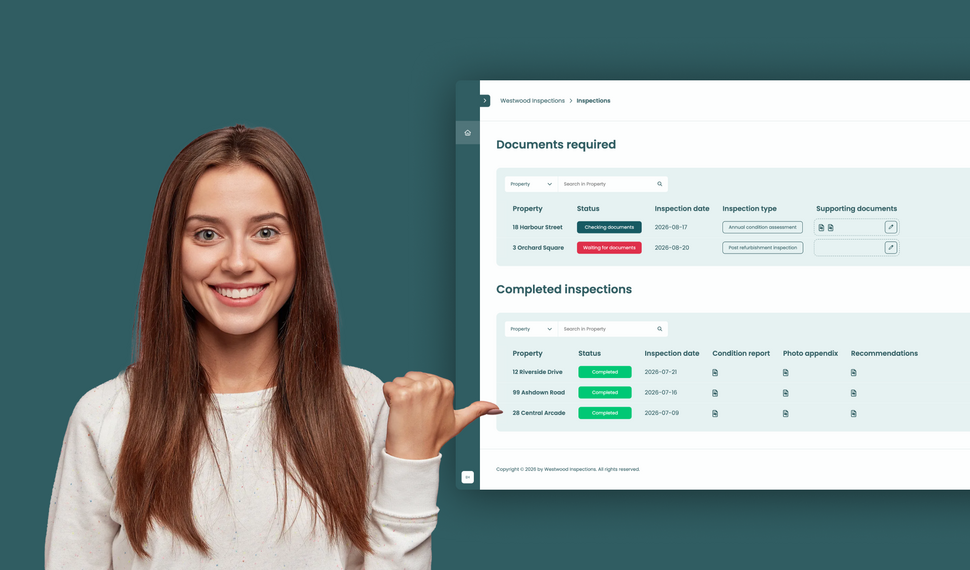
Learn how to build a simple file exchange client portal connected to monday.com, where clients can upload required documents, track inspection progress, and access completed reports.
How to collect client requests with forms in a monday.com client portal
Let clients or external stakeholders submit structured requests through forms in their monday.com client portal while your team manages every submission directly in your monday.com workspace.
How to build a client portal with monday.com for your agency
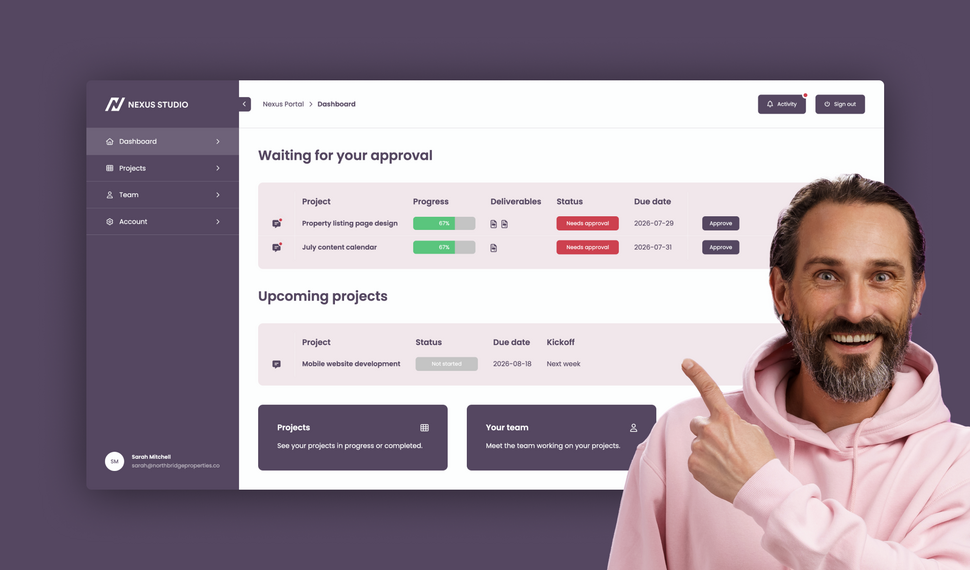
Learn how to build a branded agency client portal connected to monday.com, where clients can track projects, approve deliverables, contact their team, and access account information and contracts.
What changed in Client Portal Builder in the first half of 2026

The first half of 2026 brought 51 new features, 36 improvements, and 15 bug fixes to Client Portal Builder. Discover how these updates made building client portals with monday.com even better.
How to plan and create automated Excel reports with monday.com

Learn how to automate monday.com reporting and export board data to Excel using reusable spreadsheet templates, formulas, and automation workflows with Spreadsheet Gorilla for monday.com
Let clients search and filter board items inside your Client Portal

Clients can now search for items and selected column values directly inside your monday.com Client Portal, making large tables and grids easier to navigate and faster to use.
File preview directly inside your monday.com Client Portal

Clients no longer need to download files to review them. With the new file preview feature, images, videos, and PDFs can now be viewed directly inside monday.com Client Portals.
Client Inbox for global messaging in monday.com Client Portals

Item comments remain essential for contextual collaboration. The new Global Client Inbox adds a dedicated private messaging space between clients and monday.com teams.
Introducing our new documentation hub across all apps

We’ve launched a new documentation for all our apps. It’s clearer, more structured, and designed to help you get answers faster, whether you’re just getting started or configuring advanced setups.
Expanded support for item editing in monday.com Client Portals

Allowing clients to update information directly inside the portal makes collaboration faster and more efficient. This update expands item editing capabilities in monday.com Client Portals.
What’s new on monday.com? Feature update in January 2026
Here’s what’s new on monday.com in January 2026. This month’s updates introduce faster navigation with Recents, easier content creation from Sidekick, and new enterprise board roles.
Reworked setup flow for connecting boards in monday.com Client Portals
Connecting monday.com boards to your client portal is one of the most critical steps in building a useful, dynamic workspace. We made this process clearer, more flexible, and easier to manage.
Semiannual feature recap from Gorilla Apps in December 2025

Client Portal Builder introduced a redesigned dashboard with activity charts and improved onboarding. Spreadsheet Gorilla added a board diagnosis tool and more flexible exports.
What’s new on monday.com? Feature update in December 2025
Here’s what’s new on monday.com in December 2025. This month’s updates introduce a more visual way to create items, improved notification control, and more flexible CRM sequencing.
How to share your monday.com boards with external users and guests
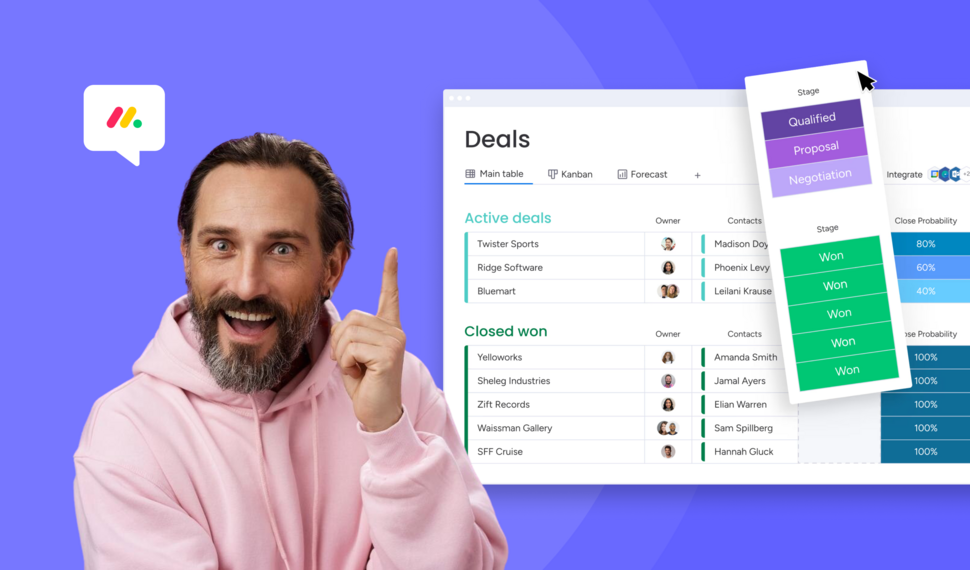
Sharing monday.com boards with external users and guests is easy. In this post, we’ll cover the built-in options, their pros and cons, and why a monday.com client portal is often the best solution.
Turn Confluence into a Blog with dedicated Blog Themes for Scroll Sites

Are you looking for a way to turn your Confluence space into a blog? In this post, we'll explore how to create and publish knowledge, product and classic blogs right from Confluence with Scroll Sites.
What’s new on monday.com? Feature update in October 2025
Here’s what’s new on monday.com in October 2025. This month’s updates center on smarter forms, recovery options, deeper search, and new sprint workflow triggers. Learn more about each new feature.
Set up and use Google Auth in Client Portal Builder for monday.com

Want to allow your clients to sign in to your client portal with Google Authentication? This guide covers everything you need to know about how to set up and use Google Auth with your client portal.
Embed monday.com boards into Squarespace, Wix, WordPress or Webflow
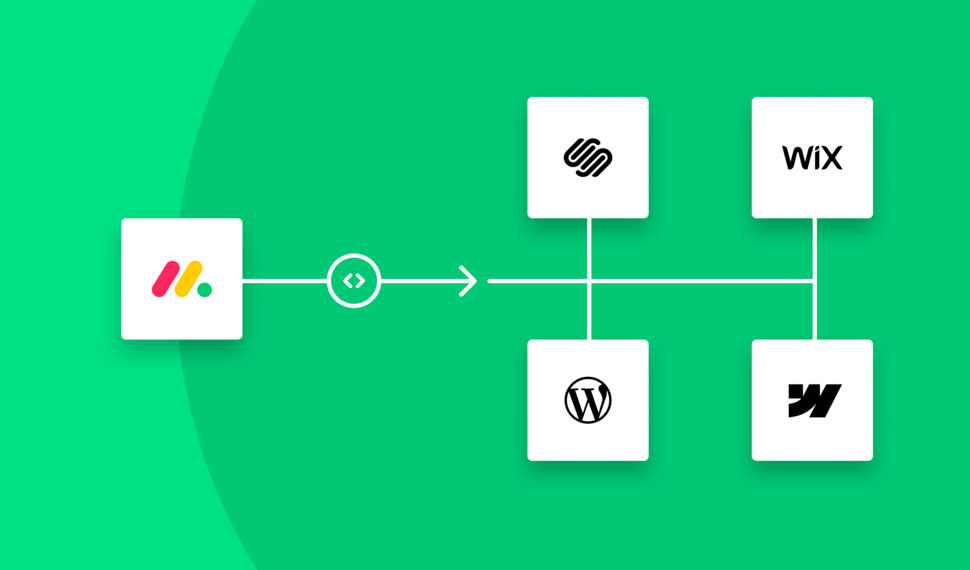
In this guide, you learn how to seamlessly embed monday.com boards as fully branded and synced website widgets into your website made with Squarespace, Wix, WordPress or Webflow.
What’s new on monday.com? Feature update in September 2025
If you're using monday.com, you’ll want to know about the recent enhancements rolling out this fall. From smarter AI suggestions to new service capabilities, here’s what’s new in September 2025.
Create workflows to automate everything in your client portal

Want to automate everything in your monday.com client portal? This guide covers everything you need to know about how to create automation workflows with the Client Portal Builder.
Does monday.com have a Client Portal for external users?

Yes, monday.com has a Customer Portal for monday service. For broader external client access to projects, files, and board data, Client Portal Builder may be the better fit. Learn more about the options.
What’s new on monday.com? Feature update in August 2025
Here’s what monday.com introduced in August 2025. These updates focus on smoother navigation, deeper AI integration, and smarter CRM task sequencing. Read the breakdown of what’s new.
Let your clients edit specific board items right in their client portal
Want to let your clients easily edit specific board items in their client portal? This guide covers everything you need to know about how to enable and make item editing a breeze for your clients.
What’s new on monday.com? Feature update in July 2025
Here’s what monday.com introduced in July 2025. This month’s enhancements center on AI evolution, platform consistency, and deeper integrations. Below is a breakdown of all new updates.
Semiannual feature recap from Gorilla Apps in June 2025

Client Portal Builder added conditional pages and sections, item commenting with automations, new Google login options, and a refreshed UI with draft management and performance boosts.
Client Portal Builder vs Softr for monday.com: Which fits your workflow?

Both Client Portal Builder and Softr can build client portals on top of monday.com. We compare how they differ in setup, flexibility, client access, communication, automations and pricing.
What’s new on monday.com? Feature update in June 2025
Here’s what monday.com rolled out in June 2025. This month’s updates focus on faster form creation, easier reporting, and stronger control for enterprise teams. Read more about the new features from June.
Chat and share files with clients on board items in your Client Portal

Want to easily chat and share files with clients in your monday.com client portal? This guide covers everything you need to know about how to configure and make use of item comments in your client portal.
What’s new on monday.com? Feature update in May 2025

Here’s what monday.com rolled out in May 2025. This month’s enhancements center on clearer hierarchy, smoother scheduling, better integration between docs and boards, and stronger consistency control.
Show content sections and pages conditionally in your client portal

Want to display portal content and pages conditionally and only to specific clients in your monday.com client portal? This guide covers everything you need to know about managing conditions.
What’s new on monday.com? Feature update in April 2025
Here’s what monday.com rolled out in April 2025. This month’s changes focus on personalization, smarter canvas tools, workflow enhancements, and a much deeper AI flexibility.
Let your clients trigger monday.com automations from your client portal

Want to let your clients trigger predefined monday.com automations on board items in your client portal? This guide covers everything you need to know about managing action buttons.
What’s new on monday.com? Feature update in March 2025
Here’s what’s new on monday.com in March 2025. This month’s updates bring deeper form flexibility, more control over item identifiers, personalization in board views, and visibility into API usage.
Format text sections with Markdown in the Client Portal Builder

Want to format text in your client portal on monday.com to your needs? This guide covers everything you need to know about how to make use of the Markdown syntax to shape your text.
What’s new on monday.com? Feature update in February 2025
Here’s what’s new on monday.com in February 2025. This month focuses on navigation clarity, personalization in the app marketplace, more powerful workflow logic, and smarter AI behavior.
Embed monday.com WorkForms into the Client Portal Builder

Want to embed monday.com WorkForms in your client portal on monday.com? This guide covers everything you need to know about how to embed and display WorkForms in your client portal.
What’s new on monday.com? Feature update in January 2025
Here’s what’s new on monday.com in January 2025. This month’s updates hone usability, security, and AI ties. Especially in WorkForms, canvas views, column logic, and permissions.
Semiannual feature recap from Gorilla Apps in December 2024

Client Portal Builder gained custom domains, multi-region hosting, subitem support and markdown callouts. Spreadsheet Gorilla introduced group filters and quick actions.
Connect a custom domain to your Client Portal on monday.com

Connect and use your own domain for a client portal built on monday.com and give clients a familiar address such as portal.company.com for a fully branded client experience.
Display monday.com board items in your Client Portal to your clients

Want to give access and display select monday.com board items to your clients in your client portal? This guide covers everything you need to know about how to create and manage board sources.
Getting started with the Client Portal Builder for monday.com

Want to build a Client Portal on top of your monday.com boards? This guide covers everything you need to know about how getting started building your Client Portal directly on monday.com
What’s new on monday.com? Feature update in October 2024
Here’s what’s new on monday.com in October 2024. This month’s releases bring more flexible views, smarter AI data extraction, upgraded workflow depth, and refined notification settings.
How do I create digital product catalogs from monday.com board items?
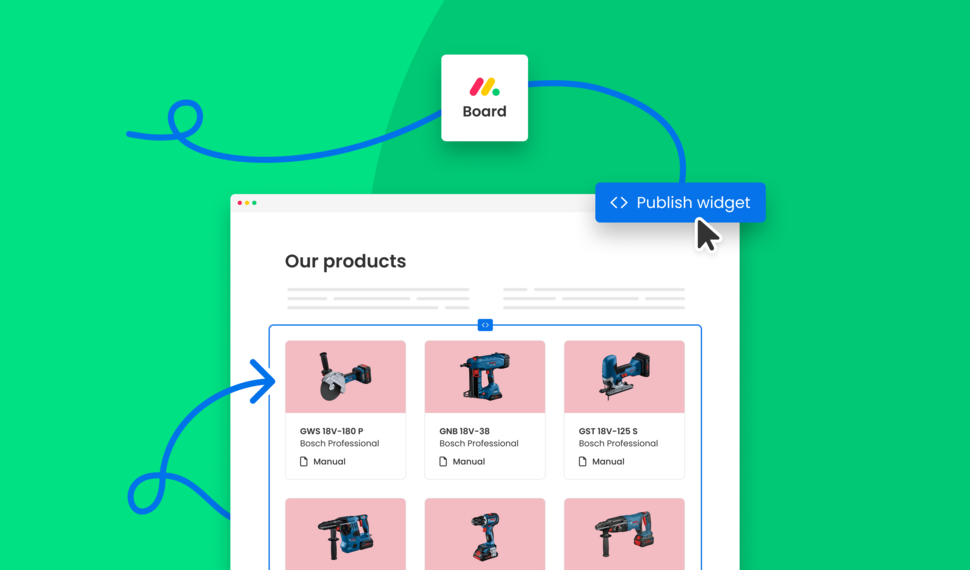
Are you looking for a way to create a digital product catalog from a monday.com board? In this guide, we'll explore how to create a product catalog that can be seamlessly embedded into a website.
What’s new on monday.com? Feature update in August 2024
Here’s a look at the features monday.com released in August 2024. This month’s updates improve date logic, form flexibility, invitation workflows, and integration permissions.
Semiannual feature recap from Gorilla Apps in June 2024

We introduced Dynamic Boards, easier automation setup, and faster board appending in Spreadsheet Gorilla, while laying the groundwork for our next monay.com app: Client Portal Builder.
How do I export and email Excel spreadsheets on monday.com?
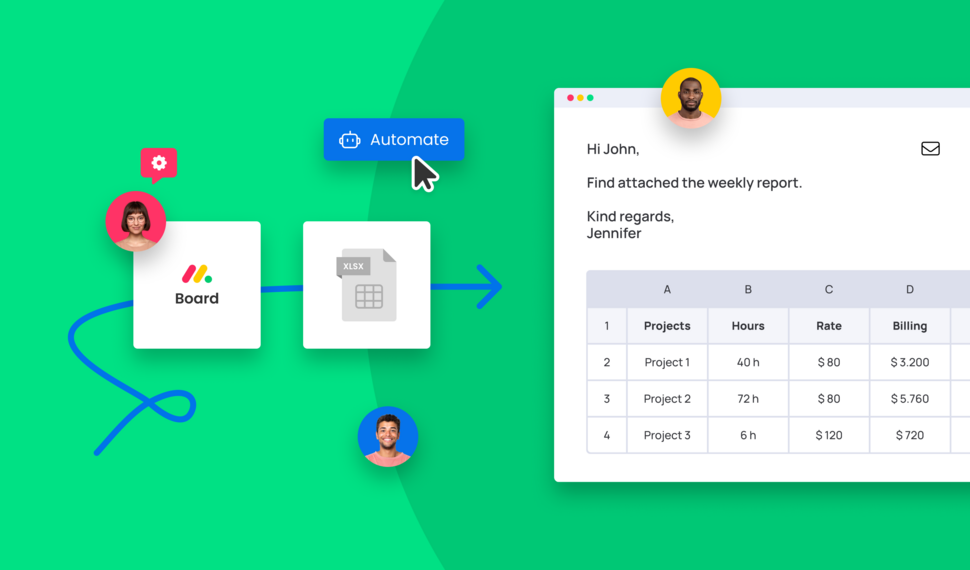
Are you looking for a way to send emails with attached Excel spreadsheets through monday.com automations? In this guide, we'll explore how to recurrently email Excel reports based on monday.com boards.
How do I make use of Spreadsheet Gorilla for monday.com?
Spreadsheet Gorilla is a powerful tool for everything spreadsheets on monday.com and beyond. In this guide we will explore all the apps' features like exporting to Excel, and how you can utilize them.
How do I embed a monday.com board on my own website?

Are you looking for ways to embed your monday.com boards directly into your website? In this guide, we'll explore all the options of embedding a monday.com board seamlessly into websites.
How do I remove the monday.com branding from Excel exports?

Are you looking for a solution to clean up Excel exports from monday.com? In this guide, we'll discover all options on how to remove the monday.com logo and the default formatting from Excel files.
What is monday.com and why is it so popular across many industries?
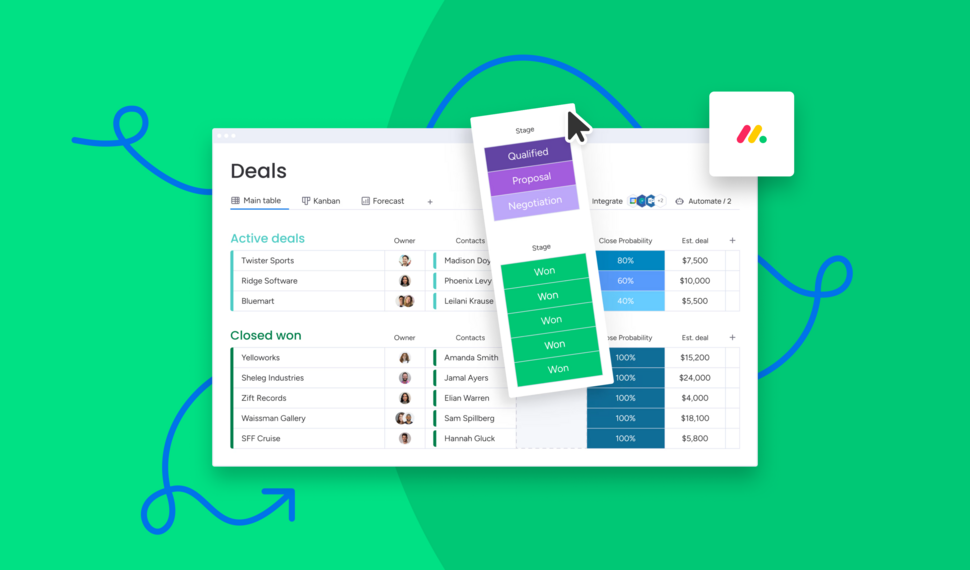
Are you looking for a comprehensive guide of why you should use monday.com for your business? In this guide we will quickly spotlight the key features of monday.com and why it's the most flexible business tool.
How do I use formulas across monday.com boards to update board columns?

Need formulas to calculate across multiple monday.com boards? Spreadsheet Gorilla lets you calculate values with spreadsheet Excel style formulas and update board columns from the result.
Interested in a product demo?
Let's learn about your requirements, answer questions, and
review ways how we can help you and your organization with
our monday.com apps and solutions.