
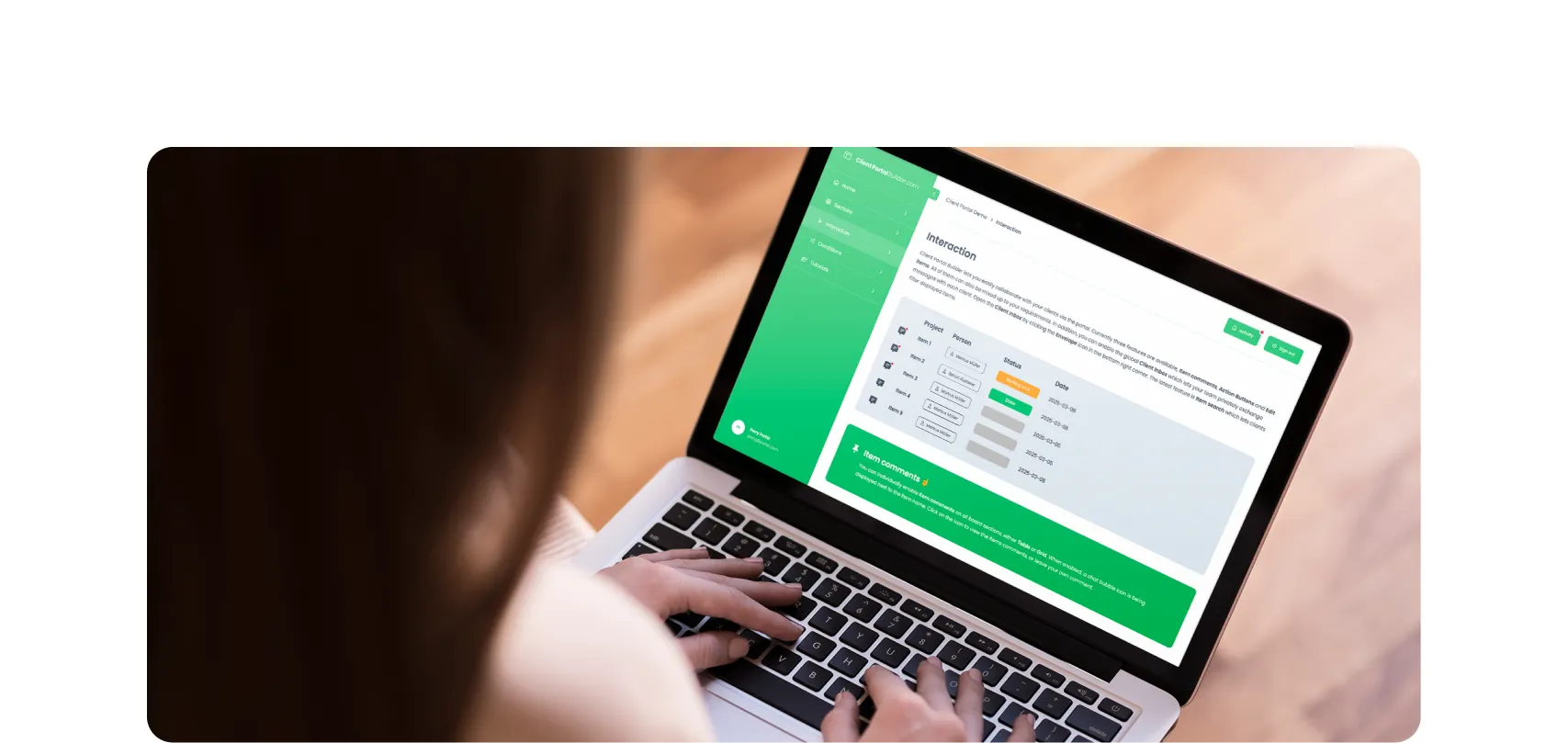
Build custom, structured Excel reports from monday.com board data and send them automatically to the right people on schedule.


Turn Confluence into a Blog with dedicated Blog Themes for Scroll Sites
Are you looking for a way to turn your Confluence space into a blog? In this post, we'll explore how to create and publish knowledge, product and classic blogs right from Confluence with Scroll Sites.

Table of contents
Use the navigation below to quickly select and jump to your desired section of interest.
Introduction
Start blogging directly from Confluence
Confluence is great for documentation and team knowledge, but it is rarely seen as a blogging platform. In this post we will talk about our Blog Themes for Confluence, a simple way to transform your Confluence pages into a polished, public facing blog. If you have ever been keen to start a Confluence Blog or make blogging with Confluence possible without switching tools, our Blog Themes combined with Scroll Sites by K15t are the way to go. Watch the webinar below to get an idea about how blogging from Confluence works.

Scroll Sites
What is Scroll Sites for Confluence?
Scroll Sites is an app by K15t that turns your Confluence content into full, branded websites, fast and without coding. You pick which Confluence spaces or pages to publish, select a theme, and you get a responsive, SEO-friendly website ready to go. Scroll Sites for Confluence supports public or protected access, custom domains, content versions, translations, and integration with other tools. All while using Confluence as your content hub. You can try K15t Scroll Sites within a 30-day free trial from the Atlassian marketplace.
Blog Themes
Why blog directly from Confluence?
Most teams keep their content in Confluence but publish updates somewhere else. That split creates extra work and makes it harder to keep information up to date. Blogging with Confluence solves this by letting you write and publish from a single source of truth. You can plan, draft, and organize your content right where your team already collaborates. With our Confluence Blog Themes, you can:
- Publish blog posts straight from Confluence without copying content to another CMS
- Keep knowledge and announcements in one place for easy updates
- Use familiar Confluence tools such as labels and specific macros
- Customize the look of your blog to match your brand
For this, we created two unique Confluence blog themes to match different publishing styles.

Knowledge Blog Theme for Confluence
- Technical articles
- How-to guides
- Thought leadership
Highlights
- Topic-focused layout
- Clear navigation
- Easy content discovery
Learn more about the Knowledge Blog Theme for Confluence or experience the Knowledge Blog Demo on your own behalf.

Product Blog Theme for Confluence
- Release notes
- Product announcements
- Roadmaps
Highlights
- Chronological timeline
- Product-centric structure
- Simple updates
Learn more about the Product Blog Theme for Confluence or experience the Product Blog Demo on your own behalf.
Key features
Features made for blogging with Confluence
- Content Source Control
Pull content directly from your Confluence space without extra integrations. - Categories and Tags
Organize posts into categories and let readers filter or browse easily. - Featured and Highlighted Posts
Showcase key updates or big announcements on your blog homepage. - Post Series Support
Group related articles together using Confluence labels for easy navigation. - Custom Branding
Adjust colors, fonts, and logos so your Confluence blog matches your visual identity. - Call to Action
Add banners or teaser blocks that encourage readers to subscribe, try a demo, or explore related posts.
Questions & Answers
Frequently Asked Questions about blogging with Confluence and Scroll Sites
Yes. You can configure your Confluence blog theme entirely through the interface. No coding or web development is required.
Do I need any additional apps to make this work?
Yes. You will need Scroll Sites for Confluence, which provides the publishing framework that powers the themes.
Can I make my Confluence blog public or keep it private?
Both options are possible. You can publish a public-facing blog or keep it restricted to your internal audience.
Can I customize the blog design to match my brand?
Absolutely. You can adjust colors, fonts, and logos so the blog looks like part of your company’s website.
Which Blog Theme should I choose?
If you want a structured, topic-focused layout for technical content or thought leadership, choose the Knowledge Blog theme. If your goal is to share product announcements or release updates in a timeline style, choose the Product Blog theme.
How much does it cost?
Each theme is $40 per month. You can start with one and add the other later if needed.
Getting started
How to get started
- Install Scroll Sites for Confluence, which powers these blog themes.
- Choose a Confluence Blog Theme and connect it to the space you want to use.
- Configure your blog design, branding and navigation.
- Publish your first blog and start sharing content directly from Confluence.
Both themes, Knowledge Blog and Product Blog, are flexible and can support company news, engineering blogs, product updates, and more.

Conclusion
Why should I use Blog Themes for Confluence?
If your team already writes and stores knowledge in Confluence, you no longer need a separate blogging platform. Confluence blog themes allow you to publish beautifully designed blogs from the same tool you use every day. It saves time, keeps content consistent, and turns Confluence into a true publishing hub. If your main goal is making your existing Confluence blog content available outside your workspace, read our guide on how to publish Confluence blog posts publicly.
Interested in a product demo?
Let's learn about your requirements, answer questions, and
review ways how we can help you and your organization with
our monday.com apps and solutions.
